For wedding photographers
Working 5 to 9 so you don’t have to.
Never miss a follow-up again.
Dinner, bath time, the couch: your evening stays yours. Dollie drafts every reply in your voice and keeps each lead warm, then leaves you three taps.

9:40 AM Getting ready
This is the part you love.
Window light, the veil, the quiet before the day starts. Dollie’s whole job is to keep you here, and out of your inbox.


11:00 AM Why Dollie
“The wedding day is the part I love. It’s the second shift that gets you. The inquiry that came while you were in a field somewhere, the invoice you meant to send Monday. I wanted someone handling that while I’m working, and nothing signing my name until I approve it.”
Joseph West · wedding photographer in Houston, and Dollie's first user
On my studio, Sept 18 to Oct 1: she read 1,104 emails, set aside the 1,053 that could wait, and flagged the 51 that needed me.
2:00 PM Your day
The day, handled.
She doesn't wait to be asked. The morning starts with what matters, and the day ends with nothing forgotten.
-

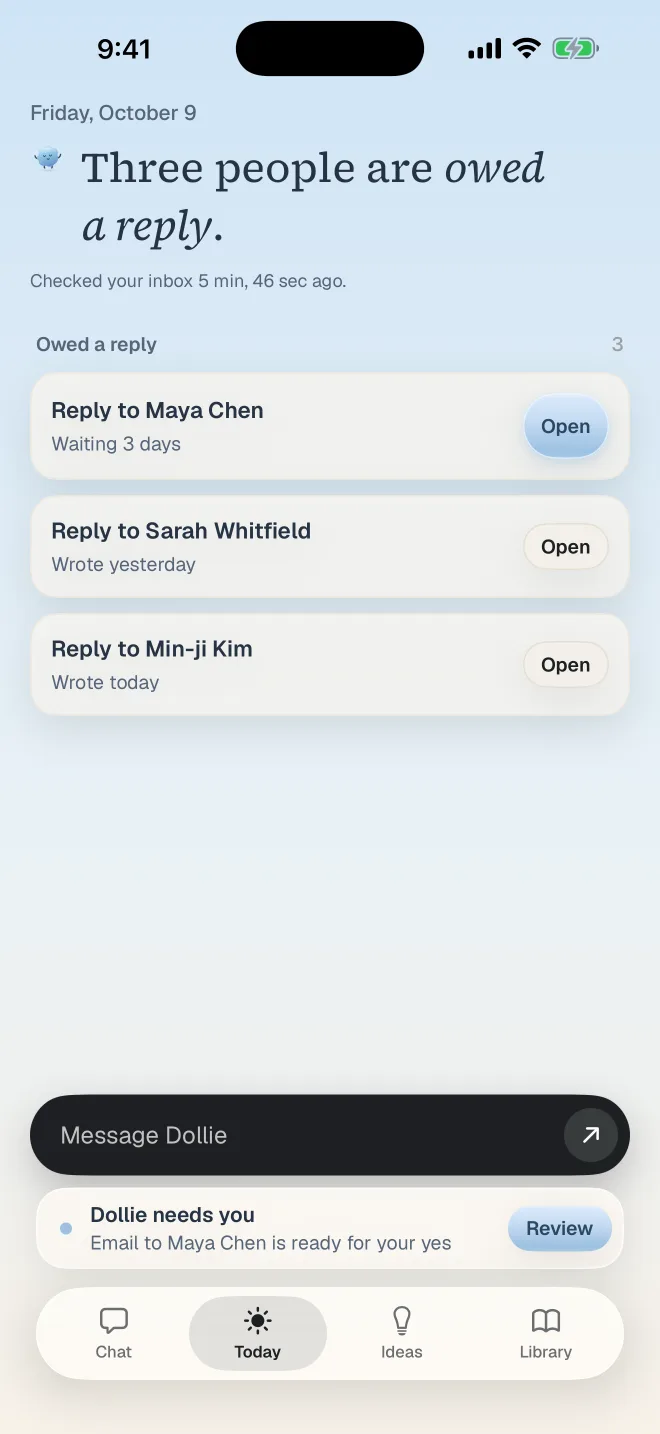
Today's shoot, on one page.
Timeline, venue notes, the crew, and the weather at golden hour. Anything unconfirmed is marked.
-

"Push family photos thirty minutes."
Say it walking. She moves the time and drafts the notes to whoever needs them.
-

Three minutes, not a second shift.
What's ready, what's waiting on you, and what she couldn't finish.
5:00 PM You clock out. She doesn't.
No lead goes quiet.
Most studios don't lose bookings to better photographers. They lose them to slower follow-up. Dollie keeps the whole cadence going, and stops the moment they reply.
- Day 0The reply. Date checked, answered in minutes.
- Day 3A light nudge. Short and warm, no guilt.
- Day 8Something useful. A gallery from their venue.
- Day 15A graceful close. The door stays open.
6:30 PM Your control
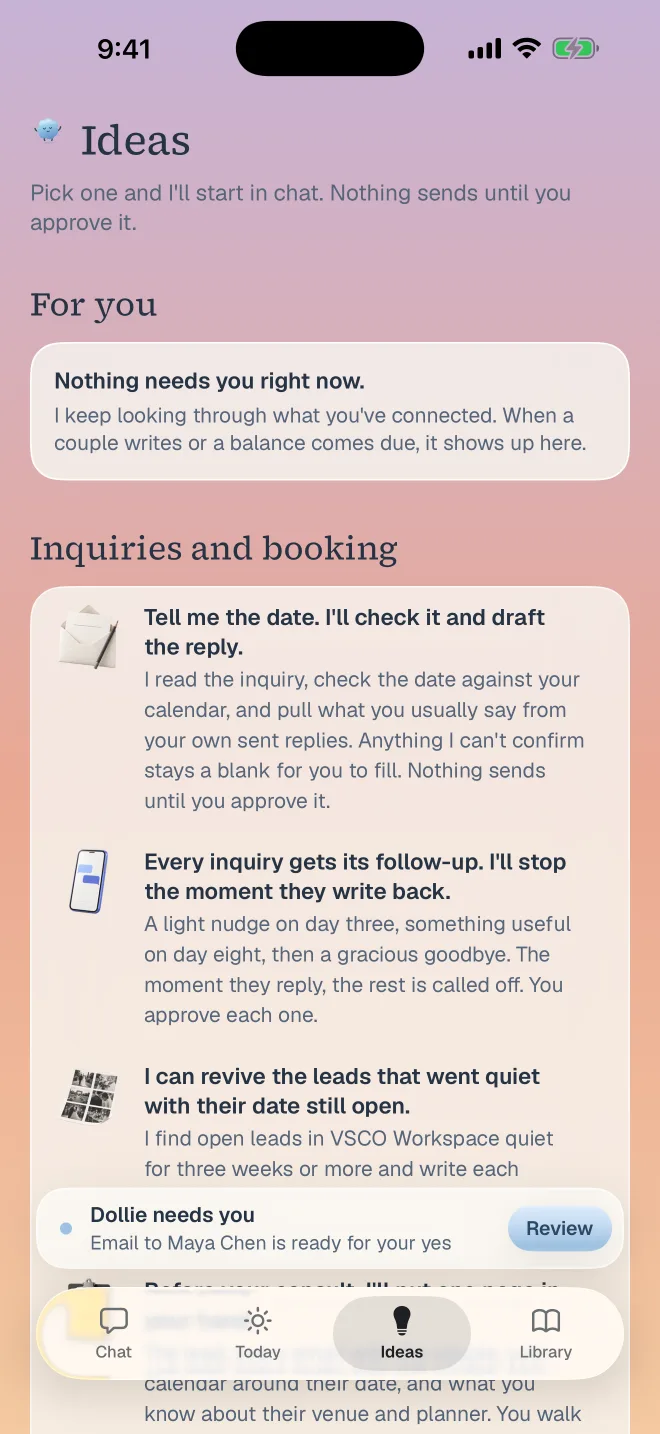
Prepared by her.
Sent by you.
Nothing sends without your tap
Every email waits for you, and you can change any word first.
She asks instead of guessing
A price that isn't confirmed stays blank. Two sources disagree? She asks.
Only what you connect
She sees the tools you choose. Disconnect one and she stops, right then.
Your clients stay yours
Your inquiries and galleries never train a model, ours or anyone's.
7:10 PM Your phone
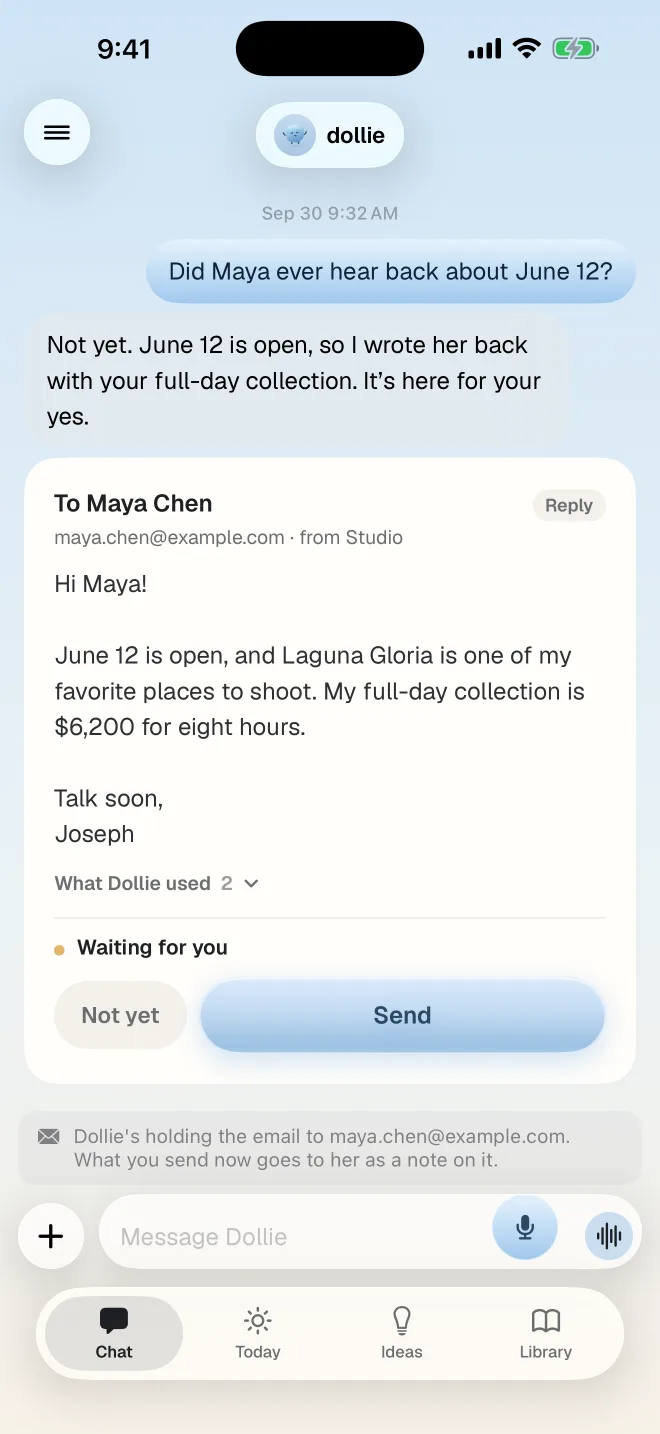
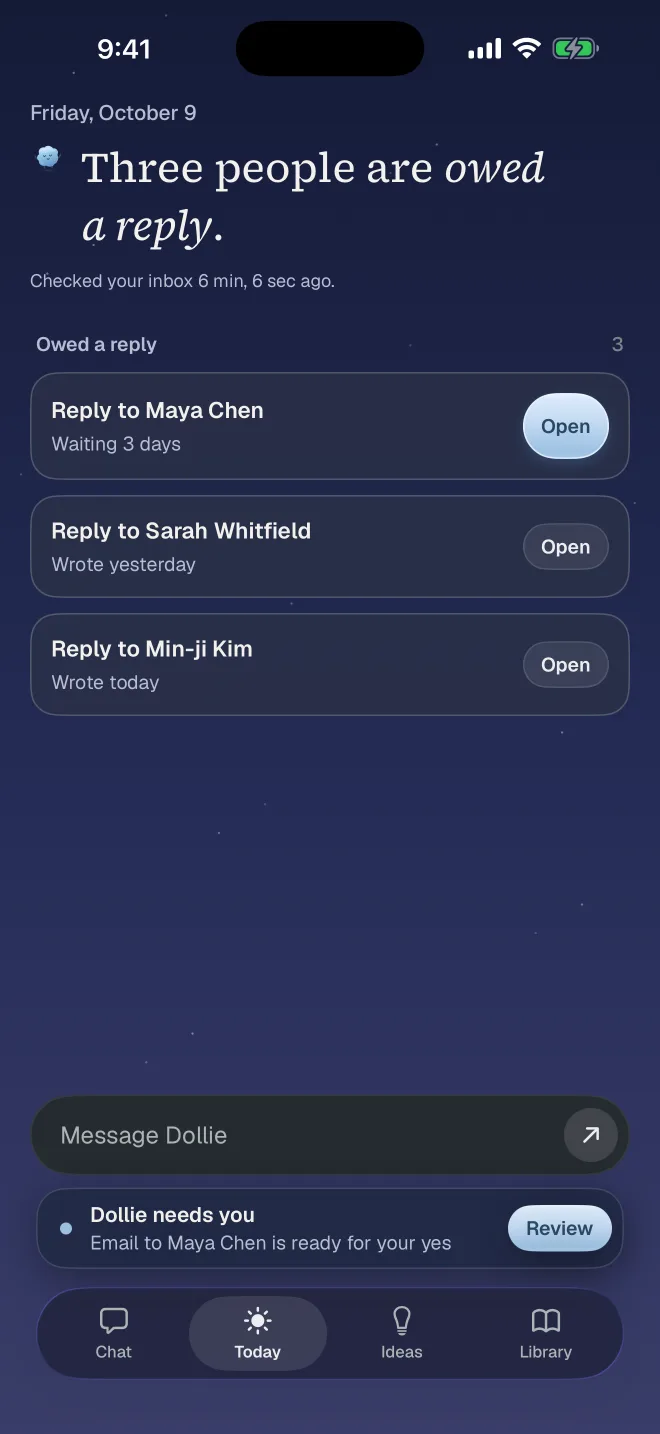
She follows your day, too.
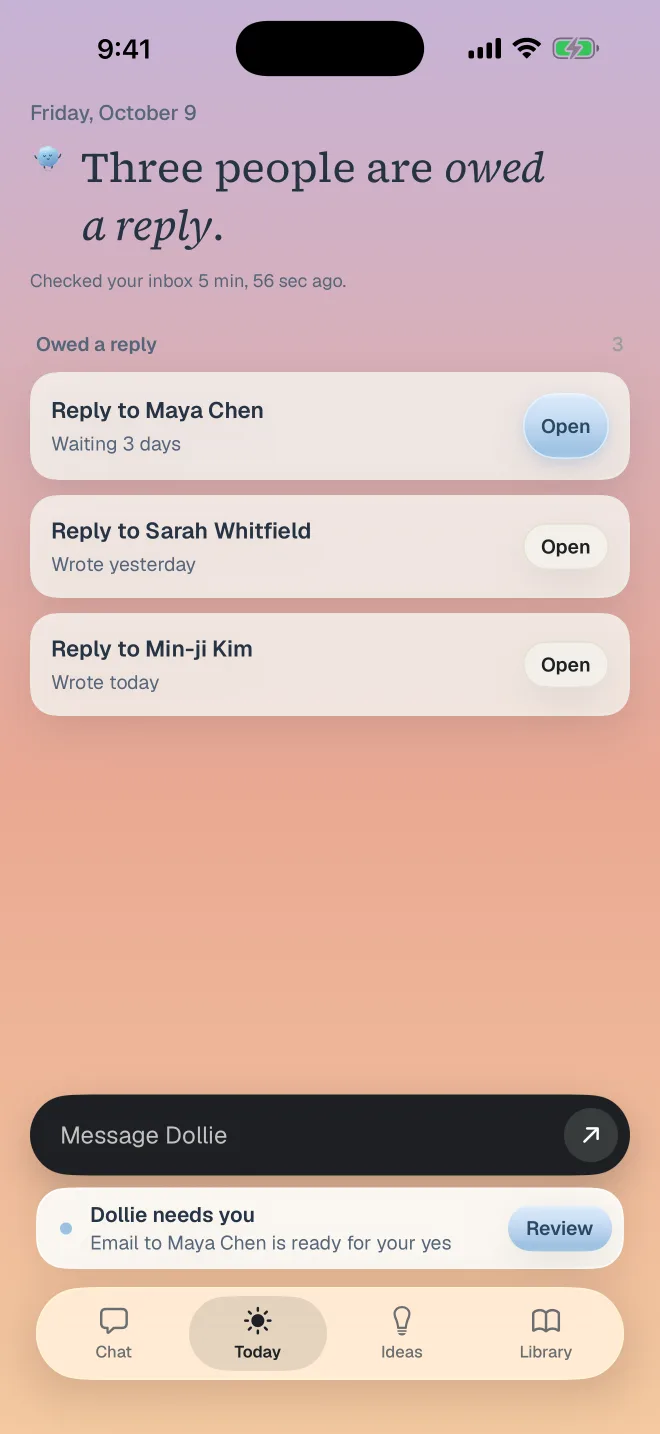
Morning blue, sunset, night. Dollie's app keeps the same sky as this page, set to your clock.
7:45 PM Works with
The tools you already use.
Gmail Works today
Finds the inquiry, reads the thread, drafts the reply.
Google Calendar Works today
Checks the date before anything is promised.
VSCO Workspace Works today
Looks up jobs, clients, pricing and payments.
HoneyBook, Dubsado and Pixieset are next. Tell us what you use when you join.
9:00 PM How it works
An inquiry at 9pm.
A reply by 9:16.
-
It arrives
She notices first.
Every inquiry, planner note and client question, the moment it lands. Bulk mail is set aside.
-
 She checks
Then she does the homework.
Your calendar for the date, VSCO Workspace for the job, your own sent mail for how you write.
-
You tap
You say yes, or not yet.
The reply waits on your phone, in your voice. Edit a word or send it as it is.
9:16 PM Early access
Be one of the first studios.
We're setting Dollie up with a small group of photographers, one studio at a time. Tell us what piles up, and we'll start there.



10:00 PM Questions
Straight answers.
Will Dollie email my clients without asking?
No. She prepares the draft and shows you the exact message. Nothing goes to a client until you approve it, and you can edit or discard any draft first.
What can she see, and can I disconnect her?
Only the tools you connect. With Gmail, she reads mail so she can find inquiries and the details around them; she never deletes, archives or relabels anything. Remove a connection in Dollie's settings, or from your Google Account, at any time.
What happens when she doesn't know something?
She says so. An unconfirmed price stays blank. When two sources disagree, she shows you both and asks. When she can't finish something, she tells you what stopped her.
Does Dollie train on my clients' data?
No. Your inquiries, galleries and client details are never used to train models, ours or anyone else's, and you can ask us to delete everything we hold at any time.
Does she work when my laptop is closed?
Yes. Your Dollie runs on our servers, not your computer, so she keeps working with your laptop closed and your phone in your pocket. Nothing goes to a client until you tap.
What does it cost?
We're setting pricing with our first studios. You'll see the price before you're asked to pay anything, and there's one plan. At $6,000 a wedding, one recovered booking pays for a long time.